Features.
01 / PageMaster & Flow
One layout for every page.
Define the page layout once. PageMaster creates the pages you need; Flow marks where the content continues. Headers and footers repeat with the correct page number.
Add fixed pages with Page and mix sizes and orientations. Paragraph composition optimizes line breaks and hyphenation, handles widows and orphans, and supports CJK and right-to-left text.
PageMaster & Flow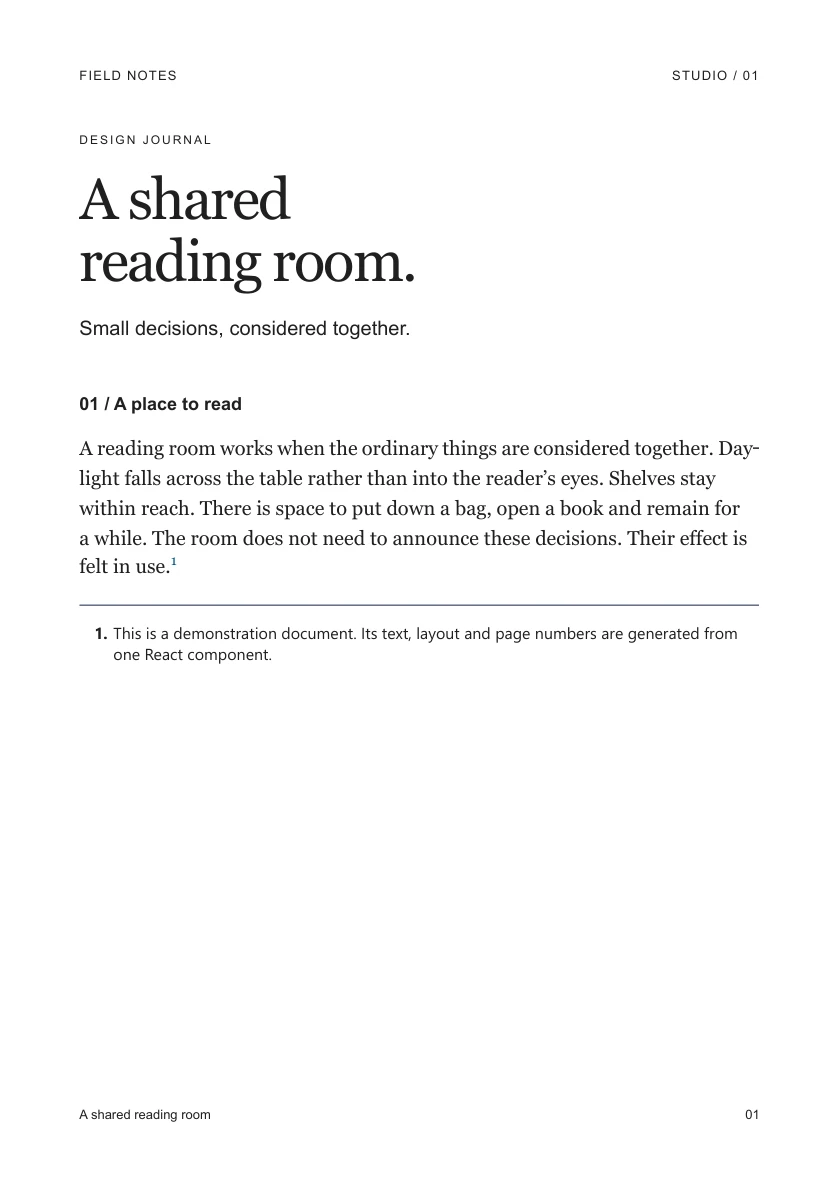
02 / React & CSS
Your components, on paper.
Import your React components directly into a document. This PDF uses a real shadcn/ui Card, styled for the page with CSS.
Data and charts become part of the document. Interactive components need a meaningful static state for the PDF.
React documents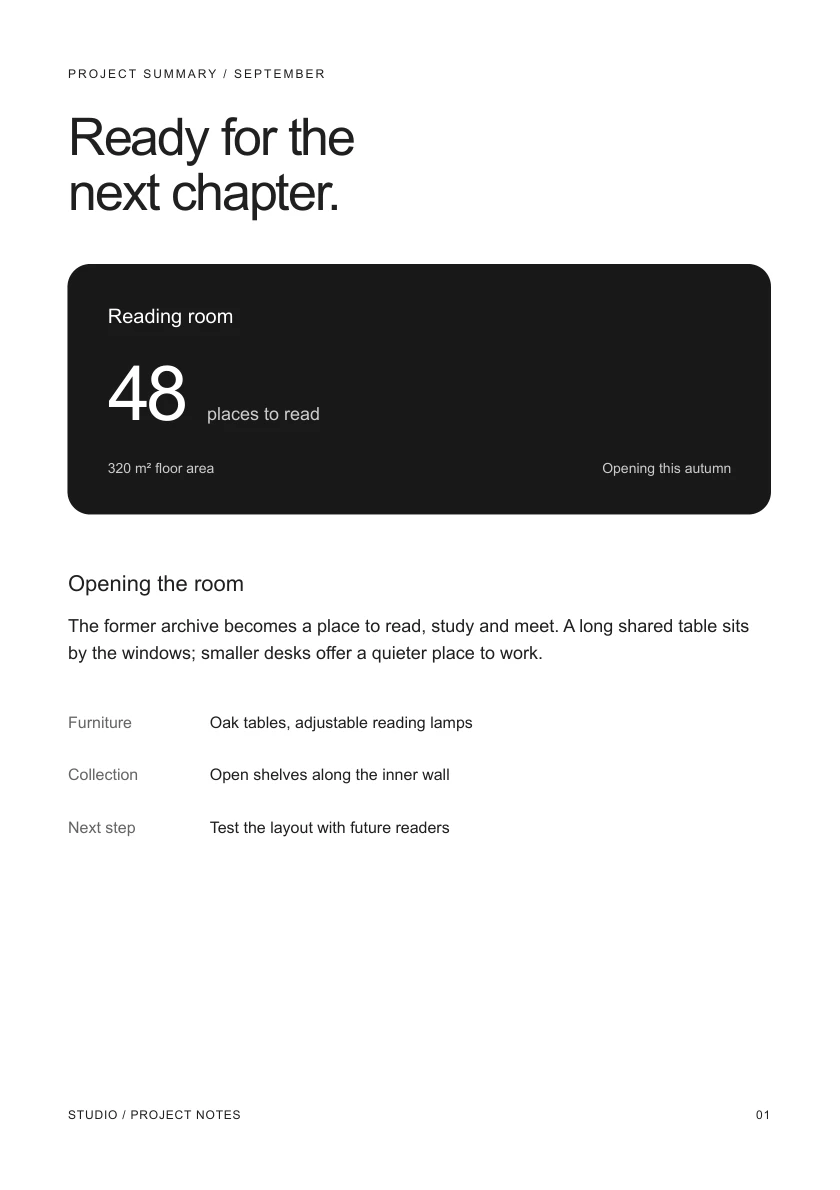
03 / Live preview
Edit. Save. See the pages.
The local preview updates when you change React, CSS or data. It shows the typeset pages with the same breaks as the PDF. Your page and zoom stay in place as you work.
satzstrom dev document.tsx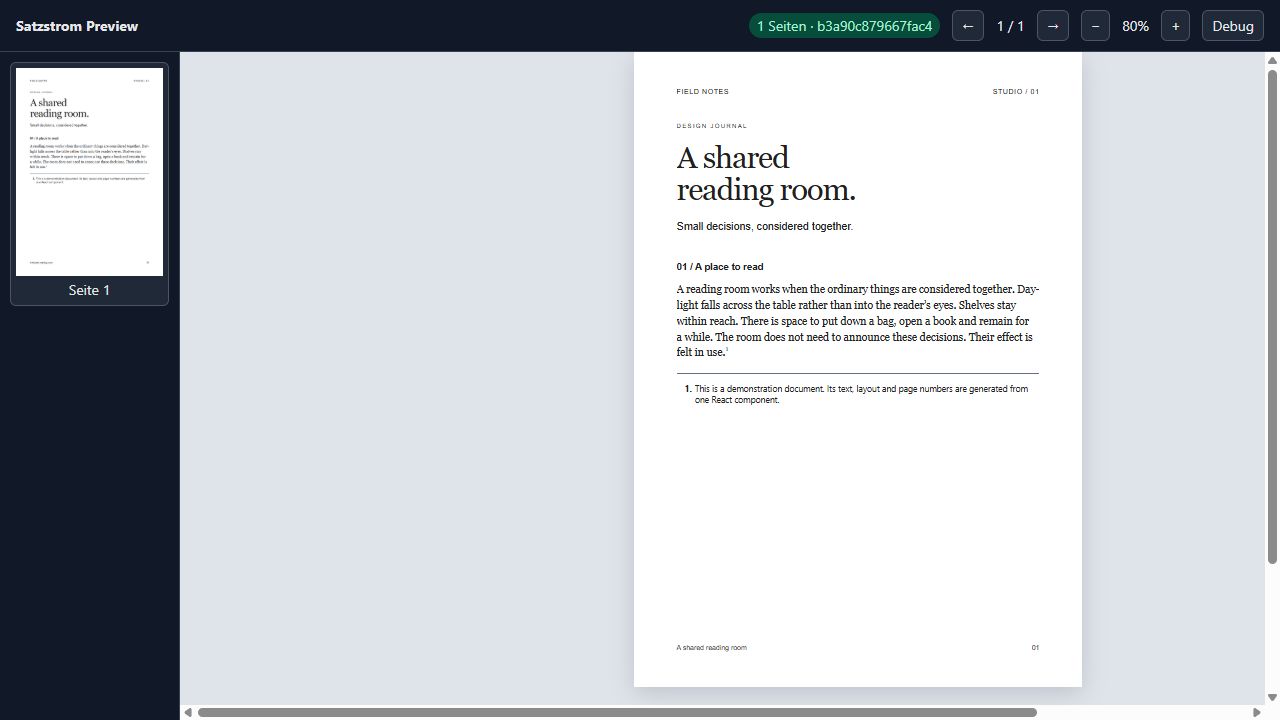
04 / MCP & Skills
Agents see what they make.
The local MCP server gives your agent access to the rendered pages. The skill teaches the document model and the workflow from first draft to finished PDF.
Connect MCP and skills- check
- Find layout issues.
- inspect
- See the typeset pages as images and text.
- render
- Create the finished PDF.
05 / PDF
For archiving and access.
Semantic HTML carries through to the PDF as document structure. Two output profiles can be combined.
PDF output- PDF/A-2a
- Long-term archiving
- PDF/UA-1
- Accessible documents
Accessibility starts in the source: structure, language, alternative text and named links. PDF/UA-1 also requires a title.
Open the sample PDF