Design in React.
Publish as PDF.
Build documents with React components, CSS, and your data. Satzstrom handles typesetting and page breaks.
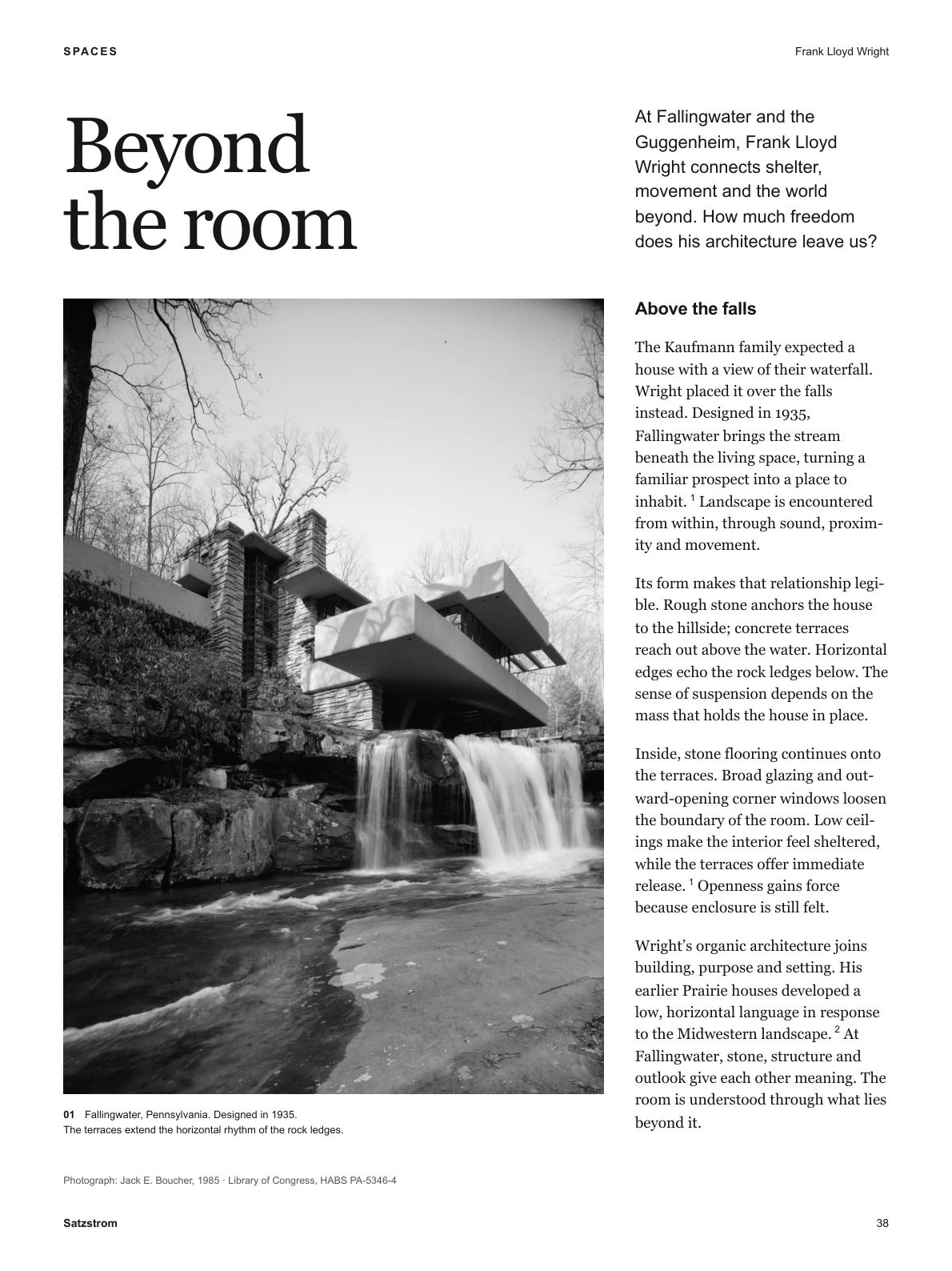
Make it your own.
A report, a book, an invoice. You decide what the document looks like.
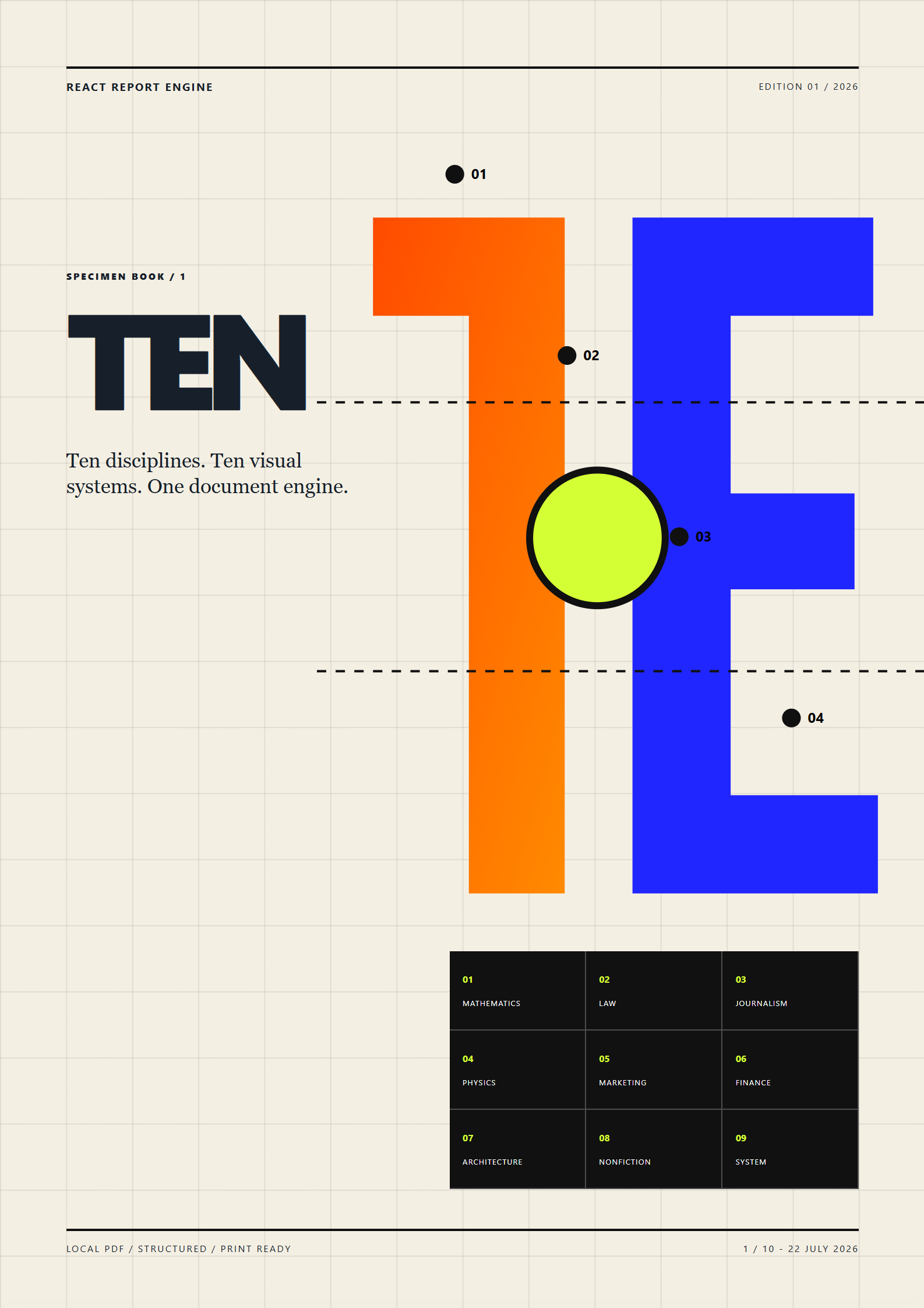
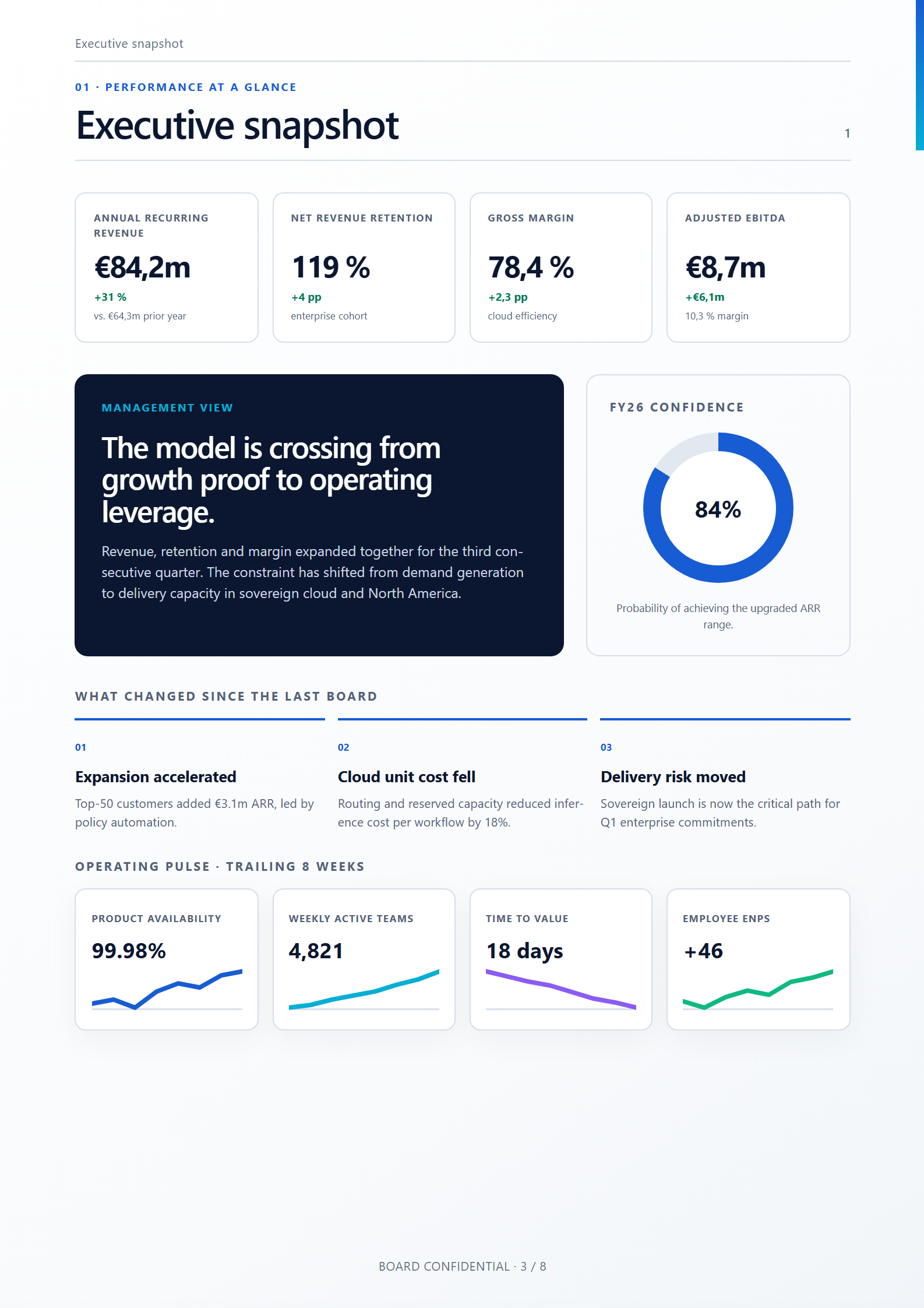
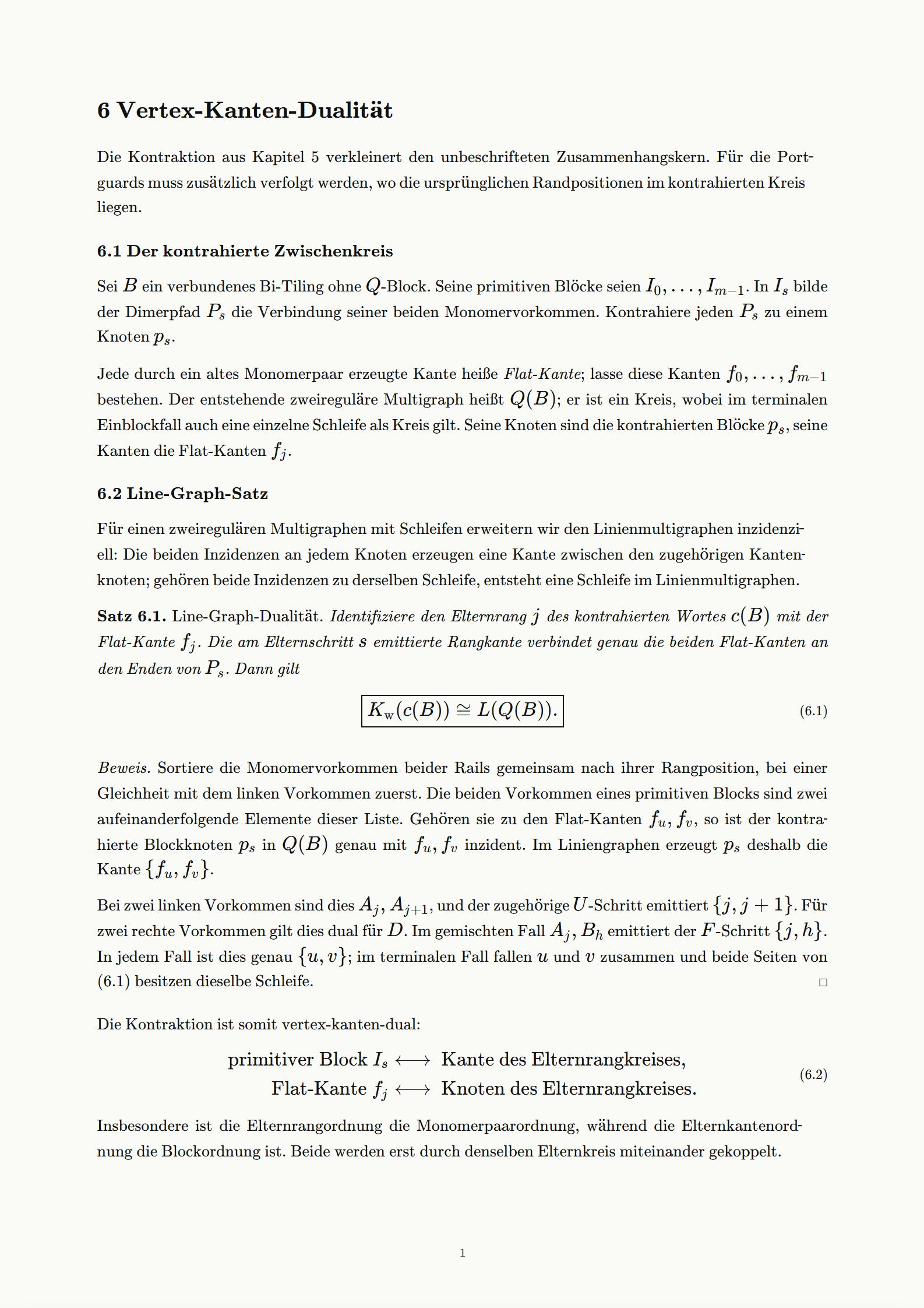
Your content flows across pages.
Write one continuous document. Satzstrom creates the pages it needs and repeats your page layout.
Add page breaks automatically
Paragraphs and tables continue onto the next page. Headers and footers stay in place.
Keep related content together
A heading stays with the text that follows. Footnotes appear at the foot of the relevant page.
Update numbers and references
Chapter numbers, contents and cross-references follow the document as its length changes.
Agent-First
Satzstrom is built for agents to create beautiful documents. They work in familiar React and CSS, guided by our skills. The MCP integration lets them inspect the rendered pages and refine their work.
- 01
Write the document
Your agent turns your content into React and CSS.
- 02
Inspect the pages and refine
It looks at the rendered pages and revises the text and layout.
- 03
Create the PDF
You get the PDF and the editable project files.
Open your first document.
Create a project and open the live preview. The quickstart takes you from your first page to a table of contents.
npm install -g satzstromsatzstrom init my-documentsatzstrom dev my-document/document.tsx